A Columbus contractor doesn’t usually lose a job because of price — they lose it because another contractor called back first. Widely-cited speed-to-lead research credits the first-responding contractor with winning the large majority of jobs, yet the median response time industry-wide is estimated at around 42 minutes, and roughly a quarter of inquiries never get a response at all. A GoHighLevel snapshot built for contractors makes fast, consistent follow-up automatic instead of leaving it to whoever happens to check their phone between jobs.
In plain numbers: Industry speed-to-lead benchmarks put the median first-response time for home service businesses at around 42 minutes, with only an estimated 12% of contractors consistently responding within 5 minutes. An estimated one in four contractor inquiries never receive any response at all. The contractor who responds first is widely reported to win the large majority of jobs, with conversion dropping off sharply between the 5-minute and 10-minute mark. These figures come from widely-repeated industry benchmarks rather than one verifiable primary study, so treat the exact numbers as directional.
Here’s the plain version: a homeowner requesting three estimates typically books with whoever calls back first, not whoever eventually sends the lowest bid. A contractor busy on a job site simply can’t compete on speed without a system doing the first response automatically.
What Is a GoHighLevel Snapshot, Exactly?
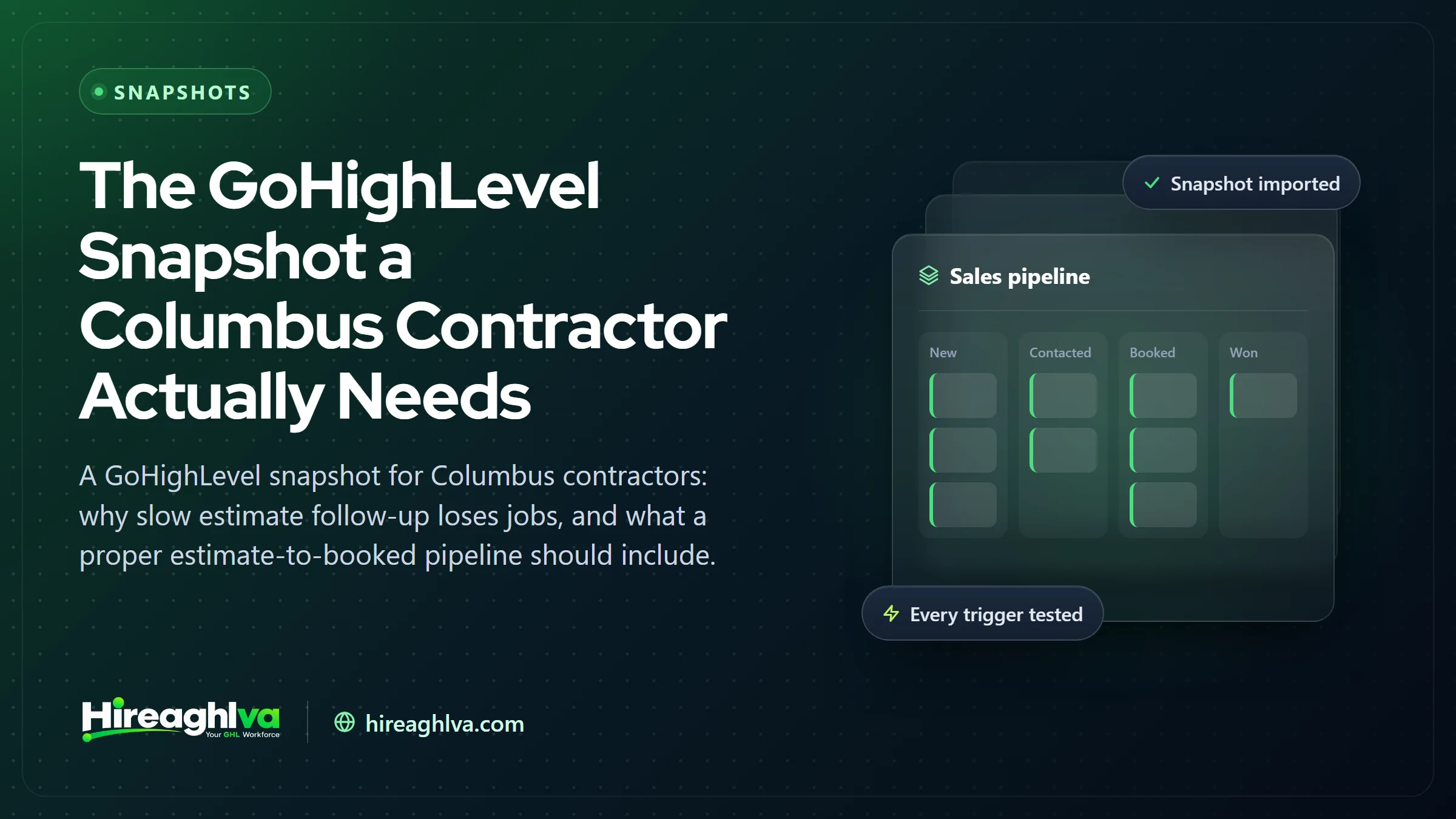
A GoHighLevel snapshot is a packaged, reusable copy of a sub-account — its pipelines, automations, funnels, calendars, email/SMS templates, and custom fields — captured as a single file that imports into a different HighLevel account in minutes instead of being rebuilt from zero. The useful way to think about it: a snapshot copies the logic of a working account (what happens when a lead fills out a form, what text goes out the moment a call is missed, what triggers a review request after a job) without copying the contractor’s actual customer data, live conversations, or payment credentials. For the mechanics of how the format itself works across any industry, see our complete guide to GoHighLevel snapshots and the snapshot marketplace guide if you’re comparing where to buy one.
For a contractor specifically, “snapshot” has come to mean something narrower in practice than the generic definition above: a pre-built, niche-matched version of that same structure, assembled around how a roofing, remodeling, HVAC, or general contracting business actually takes in and processes a job — not a generic service-business CRM template with contractor-sounding labels pasted onto the pipeline stages. That distinction matters more than it sounds. A snapshot titled “Contractor” that is really a lawn-care or cleaning template with renamed stages still behaves like a single-visit-service template once a real multi-week remodeling bid hits it — the follow-up cadence, the pipeline stages, and the automation triggers are all wrong for the job.
It helps to be equally clear about what a snapshot is not:
- It is not your live data. Contacts, open conversations, call logs, and existing opportunities don’t transfer with it — a snapshot moves structure, not history, so nothing about your current customer relationships is at risk when you import one.
- It is not a finished, working integration on arrival. A good snapshot includes the pipeline stage and workflow logic for things like Facebook Lead Ads, a payment processor, or a scheduling tool, but someone still has to connect your own account credentials before those specific pieces actually fire.
- It is not automatically tuned to your business the moment it imports. Branding, business hours, job-type-specific copy, and phone number registration all still need to happen before the automations are safe to turn on for real customers — exactly the gap the buyer’s guide and common-mistakes sections further down cover in detail.
Why the definition matters when you’re actually shopping for one: most of what gets marketed online as a “contractor snapshot” is a general home-services template with a handful of renamed pipeline stages, not something purpose-built around estimate-driven work. A snapshot built specifically for a business that fields three-or-more competing bids per lead, runs a longer sales cycle on larger remodeling jobs, and lives through sharp seasonal demand swings behaves meaningfully differently than one built for a single-visit service like lawn care or house cleaning — even though both frequently get sold under the same “home services” umbrella in a marketplace listing.
Why this matters especially in Columbus
Columbus is a steadily growing Midwest metro, which creates a specific opportunity and a specific risk:
- Less saturated than the biggest metros, but growing fast. A contractor who nails fast follow-up now has real room to dominate local search before competition catches up.
- A homeowner base that compares multiple contractors per job. Roofing, HVAC, and remodeling jobs routinely get three-plus estimate requests — speed is often the deciding factor between similar quotes.
- Seasonal demand spikes. Storm damage, HVAC failures during extreme weather, and spring remodeling season all create bursts of inquiries exactly when a contractor has the least time to answer the phone personally — the same growing-market dynamic covered in our Phoenix contractor VA guide.
The growth dynamic is not a vague talking point for Columbus specifically — it’s a durable feature of the metro that outlasts any single news cycle. Central Ohio has been one of the fastest-growing metro areas in the Midwest for years, and that growth has accelerated further with large employer-driven development: a major semiconductor manufacturing project in New Albany, along with the logistics, warehousing, and data-center build-out that tends to follow a project of that scale, is expected to bring a sustained wave of new residents, new-home construction, and commercial build-out to the region over the coming years. New construction and new transplants both generate a specific kind of contractor demand that differs from a mature, slow-growing market: more first-time estimate requests from people who don’t already have a trusted contractor relationship, more new-build finishing and punch-list work, and more homeowners comparison-shopping because they have no existing relationship to fall back on.
Columbus’s weather exposure compounds the seasonality point above rather than replacing it. Central Ohio sees real winter freeze-thaw cycles that stress roofing and exterior work, severe spring and summer storm systems that drive sudden spikes in roofing and exterior-damage inquiries, and HVAC systems that get pushed hard at both extremes of the year. For a contractor, that means inquiry volume doesn’t arrive in a smooth, predictable stream — it arrives in bursts tied to specific weather events, exactly when a small crew has the least slack to personally field every incoming call. A snapshot that only handles steady, evenly-paced lead flow misses the actual shape of demand in this market; one built around burst handling (instant acknowledgment, queued follow-up, and a review-request sequence that keeps working even when the office is swamped) matches it.
Finally, competitive density is rising alongside the growth. A faster-growing metro attracts more contractors chasing the same new-construction and storm-driven work, which means the gap this post opened with — whoever responds first tends to win the job — is becoming a bigger differentiator in Columbus specifically, not a smaller one. A contractor who automates the response now is building an advantage that compounds as more competitors enter the market, rather than one that only matters temporarily.
What a slow response actually costs a contractor
~42 min
Estimated median first-response time for home service businesses
~25%
Estimated share of contractor inquiries that never get any response at all
Most
Of jobs are widely reported to go to whichever contractor responds first
| Item | Value |
|---|---|
| Responded to within 5 minutes (baseline) | 7x |
| Responded to within 30 minutes (comparison) | 1x |
Source: Widely-cited speed-to-lead industry benchmarks (directional estimate, not a single verified study)
These are broad, widely-repeated home-services-industry figures, not a Columbus-specific or independently verified study — treat the exact numbers as directional rather than precise. The consistent finding across industry sources: speed of first contact predicts who wins the job better than price, reviews, or almost anything else a contractor controls directly.
What should a contractor snapshot actually include?
What a home-contractor GoHighLevel snapshot should automate
| Piece | What it does | Why it matters |
|---|---|---|
| Estimate request pipeline | Captures every inquiry with the job type and location | Nothing sits in an inbox waiting to be noticed |
| Instant acknowledgment | Confirms the request was received within seconds | Keeps the homeowner from moving to the next contractor |
| Quote follow-up sequence | Automatic check-ins after the estimate is sent | Catches homeowners who went quiet mid-decision |
| Post-job review request | Triggers automatically once a job is marked complete | Builds the reputation that wins the next estimate too |
Inside a contractor snapshot: a granular walkthrough
The table above is the summary. Here’s what each piece actually does once it’s installed and running inside a real contracting business, plus how it gets customized for a single company rather than staying a generic template.
1. The estimate-request pipeline. Every inquiry — whether it comes from a website form, a phone call, a Facebook or Google ad, or a referral — lands in a pipeline with stages that match how an estimate actually moves: New Request, Contacted, Estimate Scheduled, Estimate Sent, Follow-Up, Won, and Lost (with a reason code, so a contractor can see why jobs are being lost over time, not just that they are). The job type and rough location get tagged automatically where the intake form supports it, so a roofing inquiry and a kitchen-remodel inquiry don’t get routed through the same generic sequence. Nothing sits unassigned in an inbox — every new request creates a task for whoever handles quotes, with a deadline attached.
2. Instant acknowledgment and the quote follow-up sequence. The moment a request lands, an automatic text and email go out confirming it was received — not a sales pitch, just confirmation, which research consistently shows is what keeps a homeowner from immediately calling the next name on their list. Once an estimate is actually sent, a follow-up sequence kicks off on a cadence (typically day 1, day 3, day 7, and a final check-in around day 14) designed to catch homeowners who went quiet mid-decision without turning into daily nagging. Residential and commercial jobs usually need different cadences here — a residential homeowner comparing three quotes decides fast, while a commercial bid often has a genuinely longer internal approval process, so a snapshot built for both has to branch the sequence by job type rather than running everyone through one timeline.
3. Job-scheduling and reminder automation. Once a job is booked, the snapshot shifts into a second pipeline: scheduling. Confirmation texts go out when a job is scheduled, a reminder goes out the day before (cutting down on the wasted-trip problem of a crew showing up to a no-show or a homeowner who forgot), and a “crew is on the way” notification can fire automatically based on the calendar. For contractors running multiple crews, the same logic extends to internal notifications — the crew lead gets the job details and access notes automatically instead of a dispatcher relaying them by phone.
4. The review-request workflow. When a job gets marked complete in the pipeline, that status change is the trigger — not a person remembering to ask. A review request goes out by text and email, usually with a short delay (a day or two, so the homeowner has actually seen the finished work) and a direct link to the review platform that matters most for that business, typically Google. A second, softer nudge goes out a few days later if the first one didn’t convert. This is the single automation most likely to get skipped in a self-managed business, which is exactly why it belongs on autopilot rather than on a to-do list.
5. Seasonal promo campaigns. Because contractor demand is lumpy rather than steady (the Columbus weather pattern above is a direct example), a built-for-contractors snapshot includes pre-written seasonal campaigns that can be scheduled in advance rather than written from scratch every time: a spring remodeling push, a pre-storm-season roof-inspection offer, a fall HVAC tune-up reminder, and a database-reactivation campaign aimed at past customers who haven’t had any work done in 12+ months. These sit dormant until scheduled — they don’t fire automatically the way the estimate and review workflows do, because timing them to local weather and the contractor’s own capacity is a judgment call, not something to fully automate.
How this gets installed and customized for one specific business. The underlying structure above is the same for every contractor who buys the snapshot — that’s what makes it a snapshot rather than a custom build. What changes per business: the pipeline gets tagged and labeled around that contractor’s actual job-type mix (a roofer and a full-service remodeler need different stage names and different follow-up branches even though the skeleton is identical), the phone number gets registered and verified for that business specifically (covered in the common-mistakes section below), the review-request link points to that business’s own Google listing, and every single automation gets test-fired with a real contact before the switch flips to live traffic. Skipping that last step is the most common way a technically-correct snapshot still fails in practice.
Build it yourself, grab a free one, or get it done right
Time to a live pipeline
- Build from scratch
- Weeks of build time
- Free or marketplace snapshot
- Minutes to import, days to fix
- Hireaghlva contractor snapshot
- 48–72h, installed and tested
Instant acknowledgment on new requests
- Build from scratch
- If nothing gets missed
- Free or marketplace snapshot
- Rarely
- Hireaghlva contractor snapshot
Quote follow-up sequence included
- Build from scratch
- Only if you build it
- Free or marketplace snapshot
- Usually generic
- Hireaghlva contractor snapshot
Post-job review automation
- Build from scratch
- Rarely
- Free or marketplace snapshot
- Hireaghlva contractor snapshot
Branded to your business
- Build from scratch
- Free or marketplace snapshot
- You do it yourself
- Hireaghlva contractor snapshot
| Build from scratch | Free or marketplace snapshot | Hireaghlva contractor snapshot | |
|---|---|---|---|
| Time to a live pipeline | Weeks of build time | Minutes to import, days to fix | 48–72h, installed and tested |
| Instant acknowledgment on new requests | If nothing gets missed | Rarely | |
| Quote follow-up sequence included | Only if you build it | Usually generic | |
| Post-job review automation | Rarely | ||
| Branded to your business | You do it yourself |
Buyer’s guide: what to ask before you buy a “pre-built” snapshot
Not every snapshot sold as “pre-built” or “done-for-you” is actually ready to run a real contracting business. Before paying for one — ours or anyone else’s — ask the seller these questions directly:
- “What job types is this actually built around?” A vague answer like “all home services” is itself the red flag. A snapshot built around estimate-driven contracting work should be able to name the specific pipeline stages and follow-up logic for roofing, remodeling, or whichever trade you’re buying for.
- “Can I see the automations actually fire, not just the pipeline in the editor?” A workflow that looks correct in the GoHighLevel builder can still fail silently on a trigger, a delay, or a condition. If a seller can’t show a live test — a real text going out when a test contact hits a stage — assume it hasn’t been tested end to end.
- “Does this include A2P 10DLC phone registration, or just the workflow that assumes a registered number?” These are not the same thing, and the gap between them is one of the most common reasons a “finished” snapshot doesn’t actually send a single text once it goes live. See the common-mistakes section directly below.
- “What happens to my existing data if I already have a GoHighLevel account?” A snapshot should support importing into a fresh sub-account or selectively merging into an existing one — a seller who can’t explain how naming conflicts (duplicate pipeline names, tags, or custom fields) get handled hasn’t thought through real-world installs.
- “When was this last updated?” GoHighLevel’s own feature set changes often enough that a snapshot untouched for 12+ months has usually drifted — missing newer automation triggers, Conversation AI options, or review-platform integrations that exist now and didn’t when the snapshot was built.
- “What’s included if something breaks after I import it?” A fix window or a straightforward way to get a broken trigger corrected matters more than it sounds, because the person who built the snapshot understands its internals far better than whoever imports it cold.
Red flags of a templated-only snapshot, the kind that looks complete in a sales screenshot but isn’t actually built around contractor work:
- Pipeline stage names that are clearly generic (“New Lead,” “Contacted,” “Closed”) rather than matched to how an estimate-to-booked job actually moves.
- No branching logic between residential and commercial follow-up, or between job types with genuinely different sales cycles.
- A review-request automation that’s a single text with no second attempt, when the data on response and follow-through consistently shows multi-touch sequences convert better than one-and-done.
- Marketing copy that says “everything you need to run your business” without naming the specific systems included — vague completeness claims are, in practice, a worse sign than a plain, detailed, system-by-system breakdown.
- No mention of A2P 10DLC phone registration anywhere in the setup instructions, which usually means the seller assumes you’ll figure it out — or worse, didn’t think about it at all.
What you actually get
- You stop losing jobs to whoever simply called back faster. An instant acknowledgment buys the time a live callback can’t always happen in.
- Quotes stop going quiet. A homeowner who’s slow to decide gets a follow-up instead of falling out of the pipeline entirely.
- Your online reputation builds itself. Review requests go out automatically after every job, without anyone remembering to ask.
- You get a documented process your whole crew can follow the same way, instead of response speed depending on who’s free at the moment — the same speed-to-lead principles that apply to any lead-driven business, and the same local SEO fundamentals that bring the inquiries in to begin with.
Common mistakes contractors make when launching a new snapshot
Most snapshot failures aren’t a problem with the snapshot itself — they’re a launch problem. Three mistakes account for the large majority of them:
1. Launching without mapping the pipeline to the contractor’s actual job-type mix. A snapshot arrives with generic or best-guess pipeline stages and follow-up branches. A roofer who also does gutters and siding, or a remodeler who does both small repairs and full kitchen overhauls, needs those different job types routed differently from the start — different follow-up cadences, different estimate-sent timelines, sometimes different crews getting notified. Importing the snapshot and leaving every job type running through the same generic sequence is the single most common way a “complete” snapshot still underperforms once real leads start hitting it. This mapping step should happen before the first real lead comes in, not after the first few estimates quietly go unanswered.
2. Skipping A2P 10DLC phone registration. This is a carrier-level requirement for sending business text messages in the US, separate from anything inside GoHighLevel itself, and it’s the single most common reason a newly-imported snapshot’s automations go live but no texts actually arrive. An unregistered or improperly registered number gets messages filtered or blocked by carriers — which means the instant-acknowledgment and review-request automations this entire snapshot is built around can look like they’re working (the workflow fires, the editor shows no errors) while the homeowner never actually receives anything. Registration isn’t instant, either — our A2P 10DLC guide and submission walkthrough cover what the process involves and the realistic timeline, which is a reason to start registration in parallel with the snapshot build rather than after it’s already installed.
3. Skipping post-launch testing. A workflow that looks correct inside the GoHighLevel editor can still fail on the actual trigger, a misconfigured delay, or a condition that doesn’t match real-world data. The fix is simple but gets skipped constantly under the pressure of “we need this live now”: run a real test contact through every automation — submit a test estimate request, let a test call go unanswered, mark a test job complete — and confirm the text or email actually lands before pointing live ad traffic or the real phone number at it. Our missed-call text-back setup guide walks through exactly this kind of trigger-by-trigger testing for one of the highest-stakes automations in the whole system.
A smaller but still common fourth mistake: treating the snapshot import as the finish line rather than the starting point. Branding, business-specific copy, and the business’s actual hours and service area still need to go in — a snapshot that still says “Your Company Name” or runs on placeholder hours is a visible signal to a homeowner that they’re dealing with something half set up.
Cost and ROI: build-from-scratch vs. a tested pre-built snapshot
The honest cost comparison isn’t “snapshot price vs. zero,” because building the equivalent system from scratch inside GoHighLevel isn’t free — it’s free in dollars and expensive in time, and for most contractors, time is the scarcer resource.
Building a comparable system from scratch means designing the pipeline stages, writing every automation’s logic and copy, building the review-request and seasonal campaign sequences, and then testing all of it — realistically 20–40+ hours of focused work for someone who already knows GoHighLevel well, and considerably more for someone learning the platform at the same time. That time either comes out of a contractor’s own schedule (which, for a business this post opened by describing as too slammed to answer every call personally, is the scarcest resource in the building) or gets handed to a GoHighLevel VA or in-house hire to build — which has its own cost, explored in detail in our VA vs. in-house coordinator cost breakdown.
A tested pre-built snapshot compresses that same build into the 48–72 hours mentioned earlier in this post — installed, branded, and with every automation test-fired before it touches real leads — because the underlying structure already exists and the remaining work is customization and verification rather than ground-up design. The actual price of a snapshot (raw file or done-for-you) varies widely, and our snapshot cost and marketplace guide breaks down the real ranges sellers charge in 2026; the honest takeaway from that research is that price alone is a weak signal of quality, and the labor savings from skipping the from-scratch build is usually the bigger part of the ROI case, not the sticker price of the file itself.
Where the ROI actually shows up, concretely: every day a contractor runs without instant acknowledgment and automatic follow-up is a day of estimate requests going to whoever called back first — and per the numbers at the top of this post, that’s the other contractor roughly four times out of five. A system that’s live and tested in under a week, instead of a from-scratch build eating a month of spare evenings, starts capturing that advantage immediately rather than after a lengthy build cycle. For the ongoing platform costs beyond the snapshot itself — the monthly subscription, SMS/email sending costs, and the other line items that show up on a GoHighLevel bill — our hidden costs breakdown and is GoHighLevel worth it post cover the full picture so the ROI math accounts for the whole platform, not just the snapshot.
Bringing it together
A Columbus contractor with a growing pipeline of estimate requests doesn’t need more leads if an estimated quarter of them never even get a response — it needs a system that responds the instant the request comes in. Pair a properly built snapshot with a fast contractor website that makes requesting an estimate easy in the first place, and the two work together to win jobs on speed, not just price. Get the pipeline, the registration, and the testing right the first time, and the industry pattern this post opened with — whoever responds first tends to win, and that edge compounds in a growing, increasingly competitive market like Columbus — starts working in the contractor’s favor instead of against it.
Written by the Hireaghlva GoHighLevel team
We build and run GoHighLevel accounts, automations, dashboards, and websites for agencies and local businesses across the US and Canada. This guide reflects that hands-on work, with sources cited inline where we reference outside data.